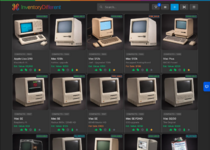
I know it's been a while but I rebuilt things from the ground up as my Marchintosh project. I added some features that I know some people are going to hate (AI generated product images, a LLM backed chatbot that you can ask about your collection), but the AI features, as well as the shop functionality, are optional. I tried with the re-write to make it more customizable and more capable. There've been some features I tried to add but couldn't figure out how (e.g. a device cost estimator that used eBay APIs and FB Marketplace listings).
Here's a summary of the features:
-
Full inventory with statuses: track whether each machine is in your collection, listed for sale, pending, sold, donated, or in for repair
-
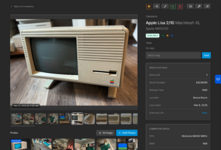
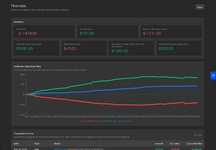
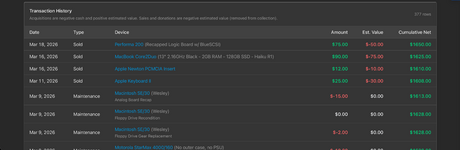
Per-device financials: acquisition cost, estimated value, sale price; rolls up to a whole-collection net position and profit/loss
-
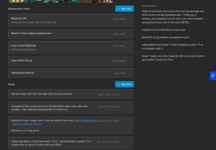
Repair tracking: log maintenance tasks with cost and date; repair fees flow into the financial summary
-
QR code asset tagging: generate a QR code for any device; scan it to jump straight to its record
-
Barcode serial number lookup: point your phone at any barcode to find the matching machine in your collection
-
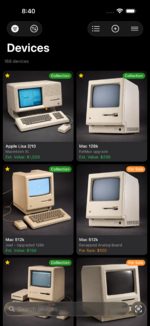
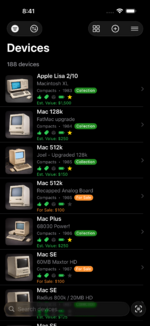
Native iOS app: browse, add, edit, and photograph devices from your phone; works alongside the web admin
-
Optional public storefront: a clean shop page for anything you've listed for sale, no auth required for buyers
-
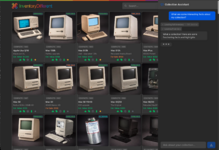
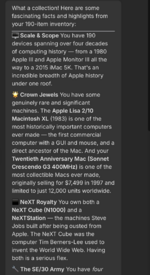
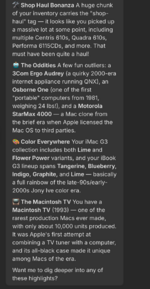
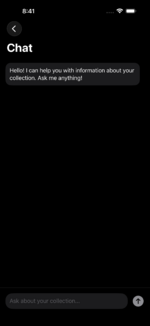
Optional AI chat: ask natural language questions about your collection ("which PowerPC Macs do I have that still need PRAM batteries removed?")
-
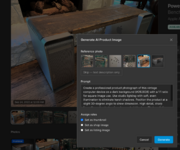
Optional AI product images: provide a consistent look for your device thumbnails with professional looking product images
-
Optional MCP server: hook up your prefered agent to your collection for a read only look into what you have
-
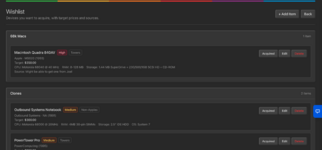
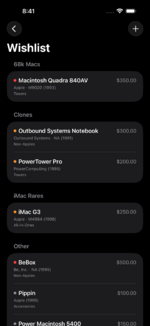
Wishlist with a public "Looking For" page: track what you're hunting, with a public-facing page so people can reach out if they have one
-
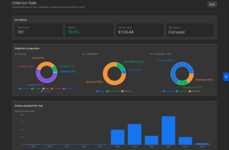
Collection stats: charts by status, condition, category, acquisition year, release decade, and top manufacturers
-
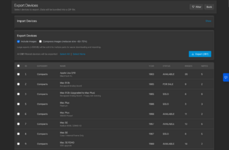
Bulk import/export: ZIP archive with all device data and images for backups or migrations
-
Self-hosted, Docker-based: your data stays on your hardware; runs on a NAS or any Linux box
Anyway, here's some shots of the new version.
Main Web Interface:
Device Management:
Product Image Generation:
Wishlist:
Stats and Financials:
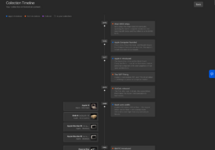
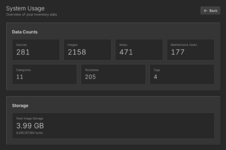
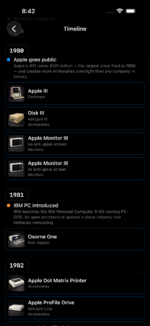
Timeline and Usage:
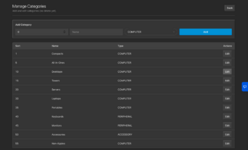
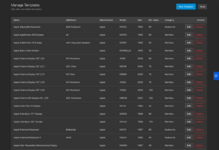
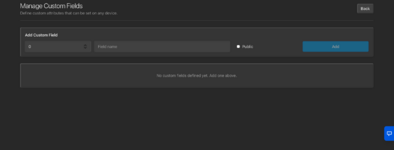
Import /Export, Categories, Templates, Custom Attributes
Chat:
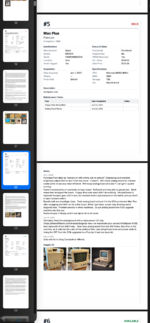
Printed Report:
iOS app:
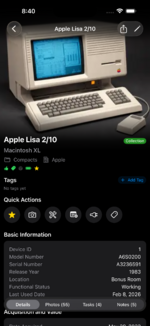
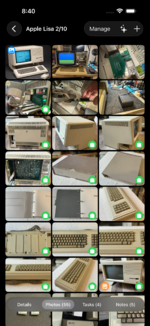
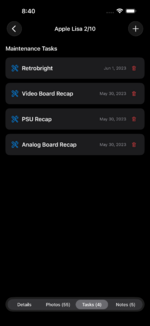
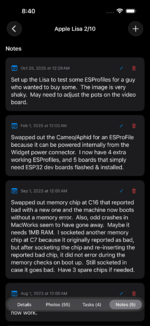
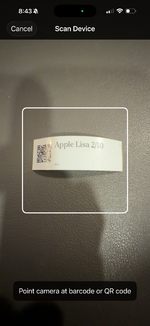
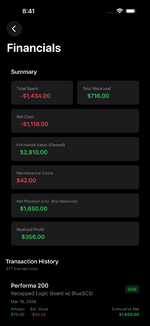
And the storefront (available to peruse
here):
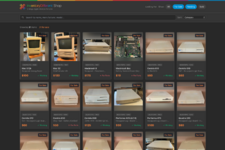
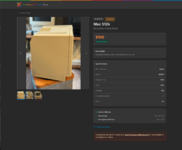
Would love to hear about any features others would like to see. It's definitely more complicated than a local app, so Collektor is probably right for most people, but I couldn't manage my collection without the asset tags and management on the web and my phone. And of course it meets my main requirement of having asset tags that my family could use if something happens to me to see what in the collection has value and history.
My goal is to wrap up some partial features, then clean up the code further and better document the setup process for those who want to run their own. I still have one challenge, which is the universal links in the iOS app. I was hoping to publish it on the App Store, and the login page allows you to connect to your own backend. However, you need to specify in the iOS app's code at build time what domains it can handle universal links for. So I need to think that one through as well. It may just be that individuals would need to compile and build their own copy of the app if they want the QR code asset tags to automatically launch the app versus the web version of the device details.
But I also kind of want to know if anyone would even go through the trouble of setting up and entering all the data for their collection as I have. It was a lot of work to capture information, take photos, document my maintenance work, and label all my main devices with asset tags. I may be the only one OCD enough to care to do so.