

Working on adding a way for me to manage my ESFloppy and ESProfile images without having to pop open the side of my Lisa Mini case for my LisaFPGA. I have an on demand on screen menu that allows me to change settings. I thought the on board ESP32s for the ESFloppy and ESProfile might have wifi, so originally I thought I could do it with just the existing hardware. It turns out that you cannot use Wifi on them. However, you can get a tiny ESP32 @3 device that does have wifi (with an external antenna) that you can use, along with some unused GPIO header pins on the LisaFPGA, to make this work.
Basically, the ESFloppy and ESProfile modules will have two modes. One is in SDCard access mode, and the other will be the drive emulation mode (their current mode). And the ESP32 S3 will have a mode to serve up a web interface when on of the two are in SD card access mode. This means, when the Lisa is off, I can pull up the menu, change to one of the two WiFi Modes, and I can see the contents of the cards. I can add another floppy or hard drive image. I can move, delete files. I can select which floppy will be mounted next. I can set which hard drive is the profile.image (the boot image). I can download an image. Similar to what you get with the RaSCSI...
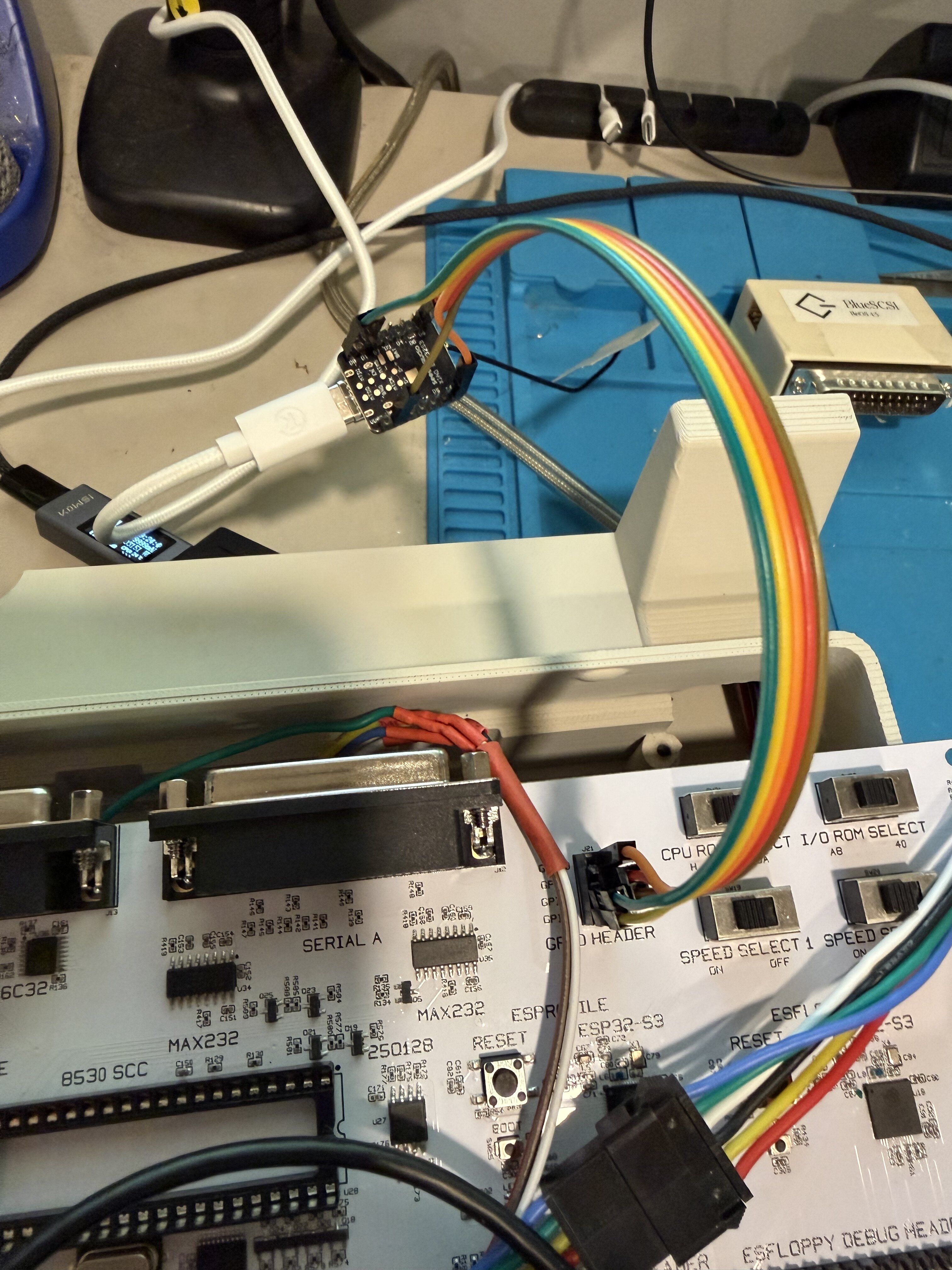
My goal here is to have my Lisa Mini be mostly self contained, and I can add more software and customize it without having to be shuffling SD cards in and out. Here's what I have so far:
The tiny thing with the rainbow Dupont wires going into it at the top (not much larger than the USB connector) is the ESP32 S3. That runs the LisaNet interface, wifi management, etc.
And here is the web interface for the ESFloppy and ESProfile cards:
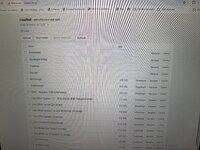
I do need to figure out how to do first time setup. My plan is if it is turned on and not connected, it will create its own wifi network where you can connect and it will show a config page with the existing wifi networks allowing you to connect to yours.
Basically, the ESFloppy and ESProfile modules will have two modes. One is in SDCard access mode, and the other will be the drive emulation mode (their current mode). And the ESP32 S3 will have a mode to serve up a web interface when on of the two are in SD card access mode. This means, when the Lisa is off, I can pull up the menu, change to one of the two WiFi Modes, and I can see the contents of the cards. I can add another floppy or hard drive image. I can move, delete files. I can select which floppy will be mounted next. I can set which hard drive is the profile.image (the boot image). I can download an image. Similar to what you get with the RaSCSI...
My goal here is to have my Lisa Mini be mostly self contained, and I can add more software and customize it without having to be shuffling SD cards in and out. Here's what I have so far:
The tiny thing with the rainbow Dupont wires going into it at the top (not much larger than the USB connector) is the ESP32 S3. That runs the LisaNet interface, wifi management, etc.
And here is the web interface for the ESFloppy and ESProfile cards:
I do need to figure out how to do first time setup. My plan is if it is turned on and not connected, it will create its own wifi network where you can connect and it will show a config page with the existing wifi networks allowing you to connect to yours.