

It's been a while since I first started developing this project, but it is finally complete and now available on my online store! I wanted to share it with everyone here.
Since it’s been a very long time since my last post, I'm not entirely sure if the TD guidelines or dynamics have shifted.
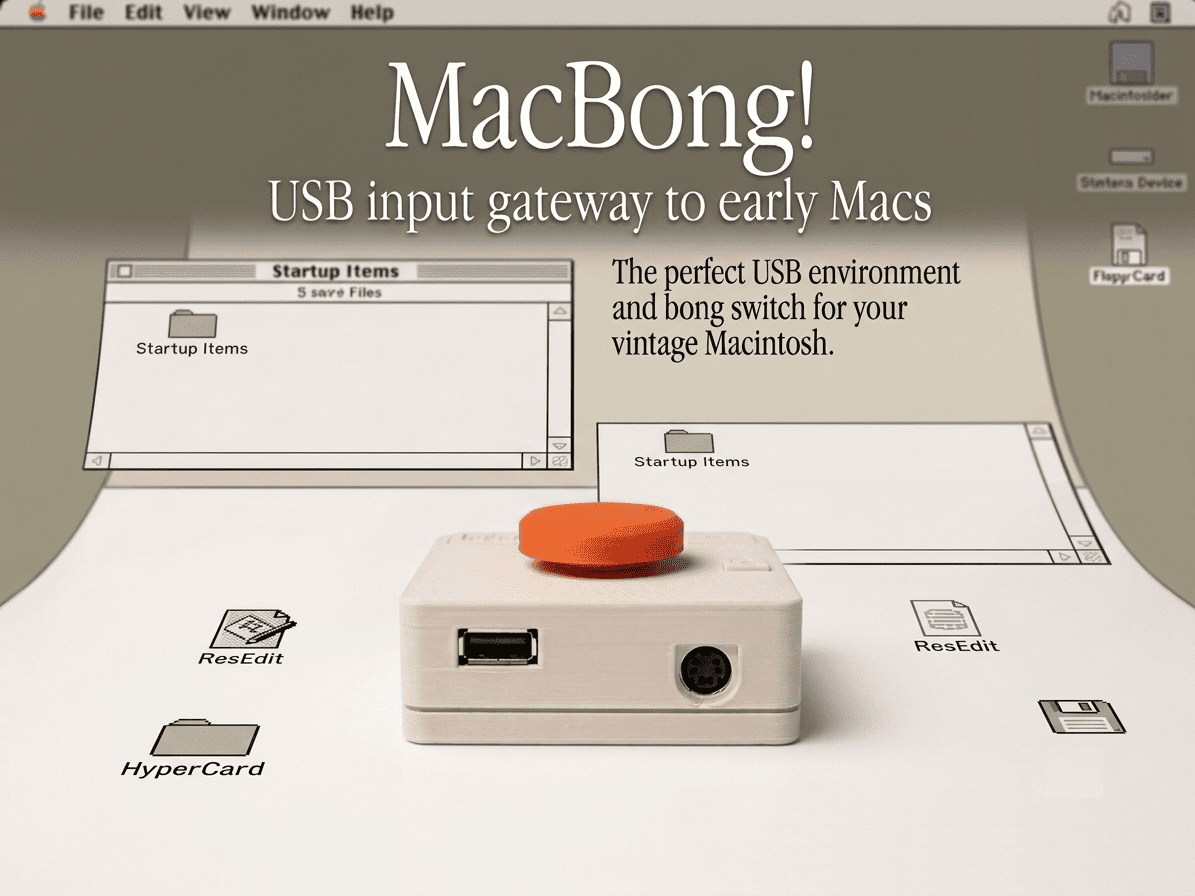
The MacBong! originally started out as just a small, external power button. My workbench is always cluttered, and setting up a full keyboard and mouse just to test things was a hassle. Plus, models like the Color Classic don't even have a physical power switch on the case, so making a dedicated power button was my main goal. At first, having just a power button and mouse support was enough for me, and I used that setup for a while during my restoration work. Later, my friend Wing Yeung (from the MFA2 workshop) completed a USB keyboard and mouse library. By merging my project with his library, the first complete version of MacBong! was born!
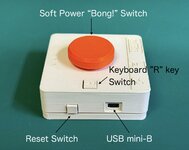
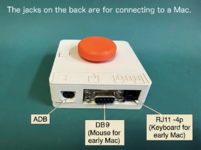
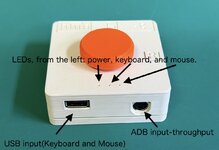
After that, since the ATmega328P microcontroller we were using had plenty of leftover I/O ports, we decided to add more features. The major addition is that it now allows you to control the RJ11 keyboard and DB9 mouse inputs on the Mac 128K, 512K, and Mac Plus using modern USB devices! Unlike ADB-era Macs, these early models don't support daisy-chaining, so you will need to run two cables from the legacy Mac into the MacBong!. However, on the USB side, it supports daisy-chaining (technically, it uses an fe1.1s USB hub chip).
Thanks to the library, it supports standard Macintosh keyboard and mouse protocols. *Most Apple USB keyboards and mice work perfectly (excluding Bluetooth versions), though the G3-era keyboards (iMac G3, Blue & White G3) are a bit unique and unfortunately not supported. Personally, I am thrilled that I can now use the G4-era Apple Pro Keyboard with it!
Please check out the links below for the full details and supported Macintosh models.
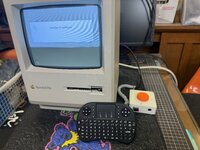
There are many similar great devices out there, but I believe this is the only one that supports both ADB and legacy Mac systems RJ12 and DB9 while allowing for USB control...
Thank you for your interest!
Links:
Since it’s been a very long time since my last post, I'm not entirely sure if the TD guidelines or dynamics have shifted.
The MacBong! originally started out as just a small, external power button. My workbench is always cluttered, and setting up a full keyboard and mouse just to test things was a hassle. Plus, models like the Color Classic don't even have a physical power switch on the case, so making a dedicated power button was my main goal. At first, having just a power button and mouse support was enough for me, and I used that setup for a while during my restoration work. Later, my friend Wing Yeung (from the MFA2 workshop) completed a USB keyboard and mouse library. By merging my project with his library, the first complete version of MacBong! was born!
After that, since the ATmega328P microcontroller we were using had plenty of leftover I/O ports, we decided to add more features. The major addition is that it now allows you to control the RJ11 keyboard and DB9 mouse inputs on the Mac 128K, 512K, and Mac Plus using modern USB devices! Unlike ADB-era Macs, these early models don't support daisy-chaining, so you will need to run two cables from the legacy Mac into the MacBong!. However, on the USB side, it supports daisy-chaining (technically, it uses an fe1.1s USB hub chip).
Thanks to the library, it supports standard Macintosh keyboard and mouse protocols. *Most Apple USB keyboards and mice work perfectly (excluding Bluetooth versions), though the G3-era keyboards (iMac G3, Blue & White G3) are a bit unique and unfortunately not supported. Personally, I am thrilled that I can now use the G4-era Apple Pro Keyboard with it!
Please check out the links below for the full details and supported Macintosh models.
There are many similar great devices out there, but I believe this is the only one that supports both ADB and legacy Mac systems RJ12 and DB9 while allowing for USB control...
Thank you for your interest!
Links:
- Review & Live Stream by @Branchus :
https://www.youtube.com/live/7j6q-23DCcU?si=Mds5I6Mtcs1WwYHW
- My Early Development Blog:
https://www.kerosmm.com/post/mac-bong
- Review & Live Stream by @Branchus :

