
Mac Mini Base OS Install ?

Gial Ackbar

New Tinkerer
Jun 1, 2025
5
2
3
Hi all. I have a new-to-me Mac Mini A1283. Putting in a new SSD drive. My other machine is Windows 11. Using TransMac, I created a USB install stick of El Capitan.
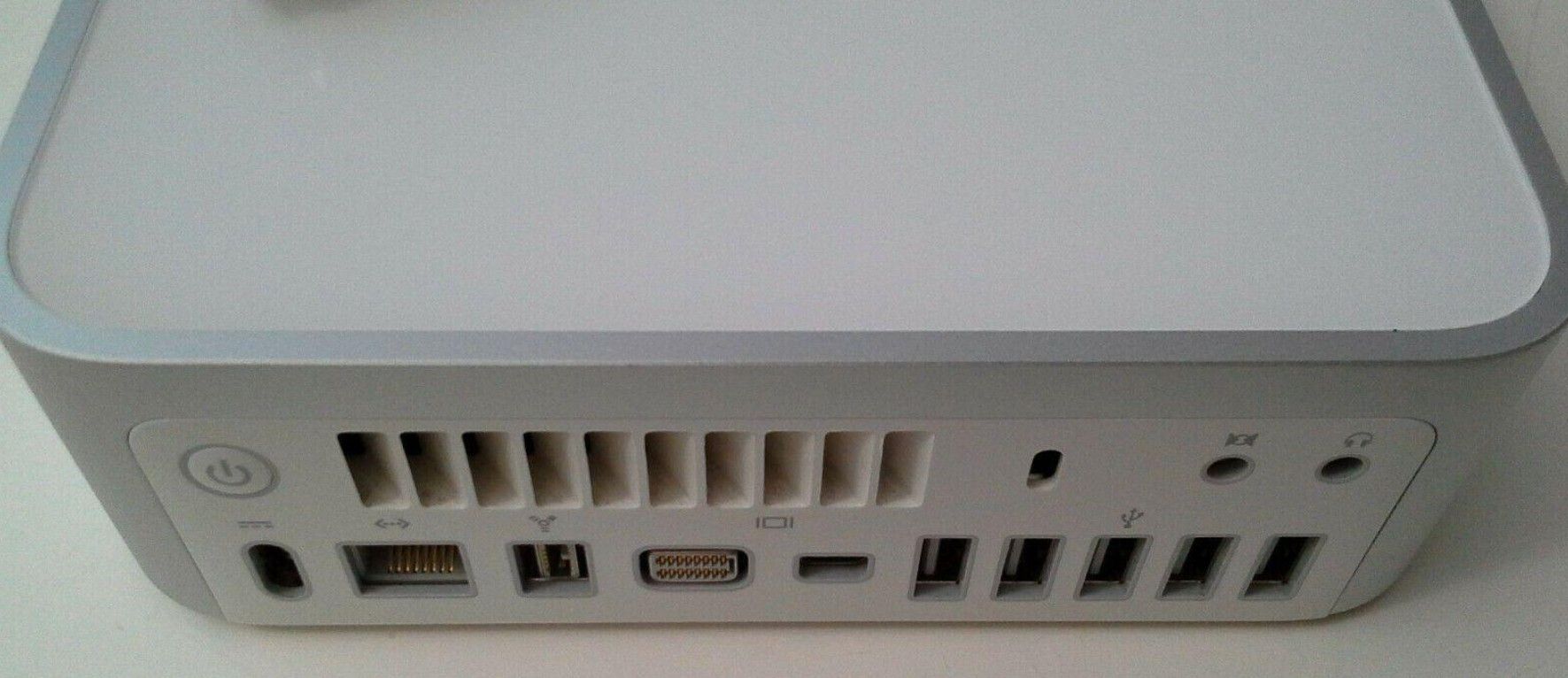
mmrear.jpg


The install routine forces a login with Apple ID credentials, however the login fails, my research indicates that the challenge protocols are now too new for this OS load.

Can anyone point me to an alternate load that does not try to validate logins, and allow the OS to install, hopefully future auth will work with an update ?

Thanks.
 

phunguss

TinkerDifferent Board Vice President
Staff member
Dec 24, 2023
674
573
93
58
Stillwater, MN
I thought there was always a way to skip registration, unless the USB stick you created is doing some type of internet recovery. Is this the only Mac you have?
 

Nixontheknight

Tinkerer
Nov 3, 2021
205
38
28
I thought there was always a way to skip registration, unless the USB stick you created is doing some type of internet recovery. Is this the only Mac you have?
yeah, just hit command-Q, and hit skip, or forgot password, where it will let you click set it up later
 

AlpineRaven

New Tinkerer
Oct 9, 2025
32
10
8
Thats Mac Mini 3.1 I believe

Because AppleID in El Cap is too old/won't be accepted because Apple is trying to force you to upgrade.
Just skip it and you can add AppleID once you have signed in Finder.

Cheers
 

Gial Ackbar

New Tinkerer
Jun 1, 2025
5
2
3
I don't think that I can skip past it. I also think that the "recovery partition" has been booting the whole time, not the USB stick, so my creation might be a failure from the beginning.

This is the only OSX-capable Mac I have (assuming I get it working), everything else is OS-6/7 era and Windows 11. So I installed TransMac on the Windows machine, got an image from https://archive.org/details/macOS-X-images and tried to make a bootable USB El Capitan. I am now trying it again using a Yosemite image DMG written to the USB stick. I think before I had some LLM-driven instructions around extracting a PKG or something but I think that was a dead end.

I got the machine from a giveaway, it was in a pile(!) of 2009 Minis, so I can be fairly certain that the DVD drive doesn't work.

I'm hoping to get it working as a minimal media playing machine, and want to get some kind of remote control for it. I plan to replace the built-in HD with an SSD to give it a little pep also.

Thanks.