Mac Portable 5V Line and Troubleshooting

campbellashe

New Tinkerer
Sep 8, 2025
6
2
3
Just wondering if this is what I should expect on the 5V line. I'm new to occiloscope probing and need some guidance as to interpretation... I have a new to me Mac Portable that I'm trying to troubleshoot. I've replaced the caps but have the original hybrid module. There is some evidence of cap corrosion on the board. I get random errors (sad Mac) on boot after the initial good chime. Using a bench supply at 6.5 volts via the J17, I am probing at the VCC pin (28) on the RAM and + side of C16 with the following tracing included below.... I think it tells me there is a lot of noise but want some guidance.

The error codes I get are:
0100 0282 / 0000 1FF2
0000 0003 / 0000 FF00

I did find a broken trace at C15 -- I have 0300 172C / 0000 1FFA before I fixed that trace.

I have gone through Androda's pre- hybrid check -- testing resistance and that check out okay.
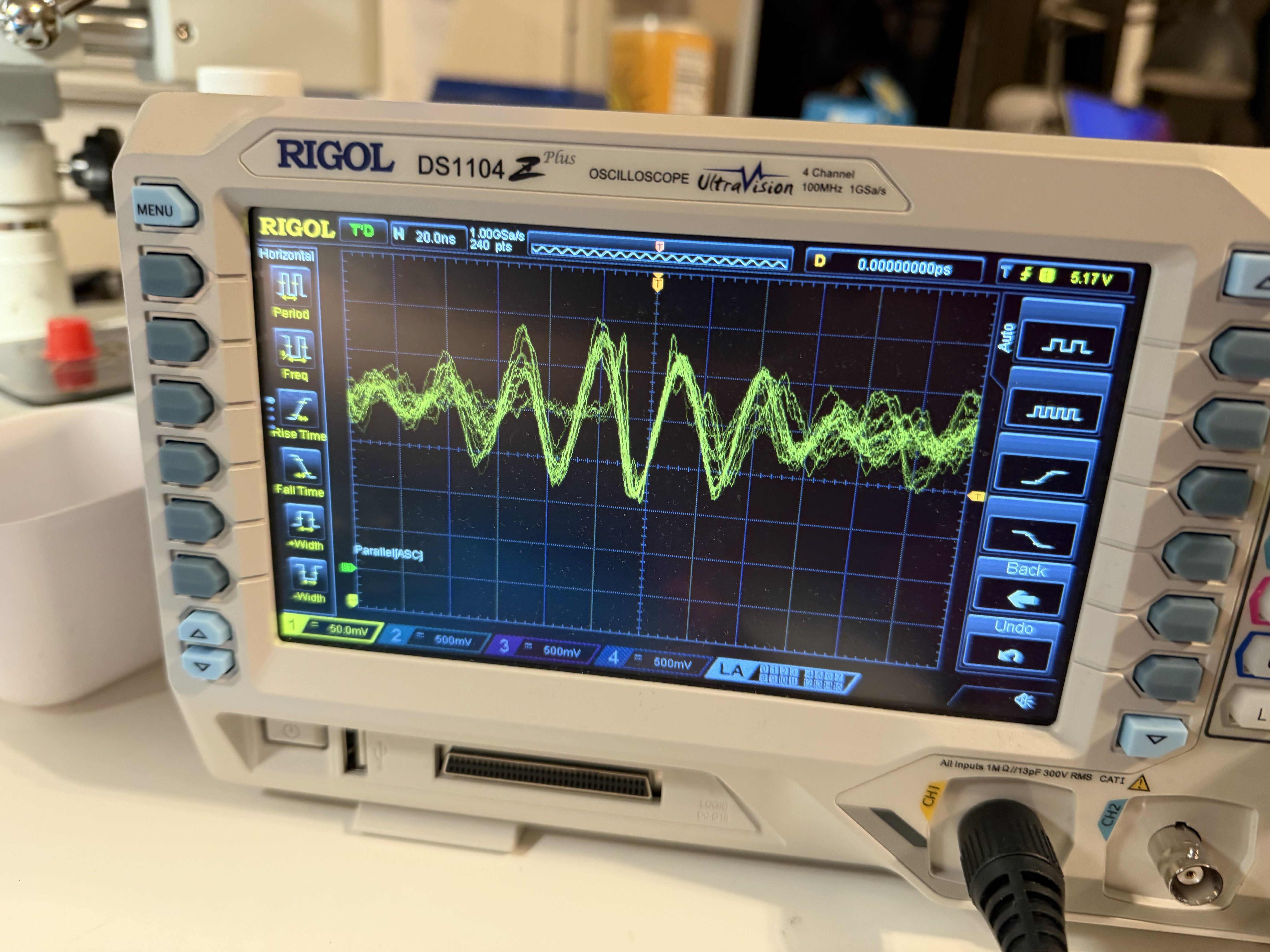
IMG_1511.jpeg
 

David Cook

Active Tinkerer
Jul 20, 2023
218
287
63
If this is a 5120, it is a common issue that powering up sound (for the chime) introduces electrical noise into the 5V line and scrambles the CPU, resulting in sad mac.

Connect a bodge wire to the sound power signal as shown below. If your Mac boots reliably, you can just leave this workaround in place. A number of us have tried isolating the component that has aged poorly (or become damaged by corrosion) that is causing this issue on so many 5120s. Nothing I've tried replacing has actually fixed it.

Keep-SONY-12V-enabled-ground-to-gate.jpg
 
  • Like
Reactions: JDW

campbellashe

New Tinkerer
Sep 8, 2025
6
2
3
Thanks for the help. Yes. It is a 5120.

I did place a bodge wire without significant improvement; still the sad Mac on load.

0000 0003 / 0000 FF00

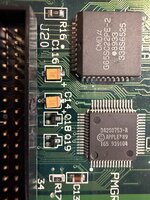
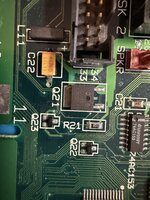
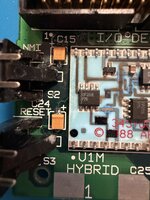
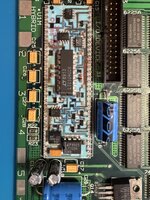
I'm a bit ignorant of the chip layout on the board; in addition for a new person to the board the silk screen indications are less than exact other than the chip number in relation to the schematics. Anyone have an easy reference for the chip placement and names that correspond to the chips on the board and schematics .

The error code points to RAM? or do you think it still could be a faulty hybrid or power given the jittery signal -- still the same post bodge wire...

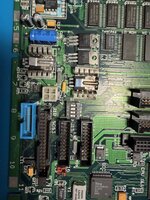
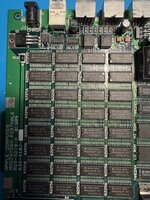
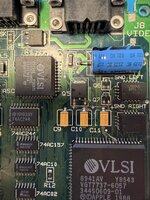
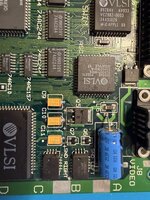
I've included some picture of my board....

Thanks for any help or direction.
 

Attachments

  • IMG_1521.jpg
    IMG_1521.jpg
    1.7 MB · Views: 2
  • IMG_1523.jpg
    IMG_1523.jpg
    2.2 MB · Views: 1
  • IMG_1524.jpg
    IMG_1524.jpg
    1.7 MB · Views: 1
  • IMG_1526.jpg
    IMG_1526.jpg
    1.7 MB · Views: 1
  • IMG_1527.jpg
    IMG_1527.jpg
    1.5 MB · Views: 1
  • IMG_1528.jpg
    IMG_1528.jpg
    1.3 MB · Views: 1
  • IMG_1529.jpg
    IMG_1529.jpg
    1.1 MB · Views: 1
  • IMG_1530.jpg
    IMG_1530.jpg
    1.5 MB · Views: 1

Froggy814

New Tinkerer
May 6, 2026
4
0
1
OH, If you find out what was wrong please let me know! I'm trying to find the same problem on mine. I discovered that the DS3691V ic was coming desoldered from the board. I am still waiting for flux and solder wick to show up so that I can fix it. If I find out what was wrong I'll let you know!


These are my error codes:
03001310 Showed up:3
00001FFA

03001303 Showed up:2
0007FFB8

0000000F Showed up:12
0000000D

03001710 Showed up:1
00001FFA

03001700 Showed up:1
00001FFA

03001300 Showed up:6
00001FFA

I powercycled it 27 times and these are all the codes I got. It chimes only once and I even deciphered almost all of the codes except for the Minor.

Flag Codes
0300 - illegal instruction

Major
1300 - Inturrupt Level 4
1700 - FPU branch/Set on unordered condition
0010 - Pwer Manager Self Test Fail
0003 - Ram test failed


Minor
FF00 - Upper 8 Bytes failed
1F00 - PMM(U or V) illegal operation
 
Last edited: