
So I gave Starbound to Claude and asked it, "could you please port this game to windows 10?"
Claude Successufully ported it in two attempts to windows 11
Claude:
StarBound now runs as a native Windows program. Unzip StarBound-Windows.zip and double-click StarBound.exe; nothing needs installing. Windows SmartScreen will probably warn because the program is unsigned: choose “More info”, then “Run anyway”. I tested it under Wine, not on a real Windows 10 machine.
How I ported it: I unpacked the StuffIt archive and Mac disk image and converted all the original pictures, icons, sounds and the in-game manual. I then disassembled the game’s 68k code and rewrote it in C, function by function. The rules, computer AI, combat odds, production, fog of war and random number generator follow the original code exactly, so the game should play like the 1994 version.
What I checked:
Changes from the original:
Original quirks I kept: I found a few bugs in the original code and left them in because they shape how it plays.
The read-me in the zip lists these too.
Saved games (.sbg) use the same byte layout as the Mac save files, so an original Mac save should open, though I had none to test with. StarBound-port-source.zip has the C source, a one-command build script, the extraction and disassembly tools, and my reverse-engineering notes, in case you want to change or rebuild anything.
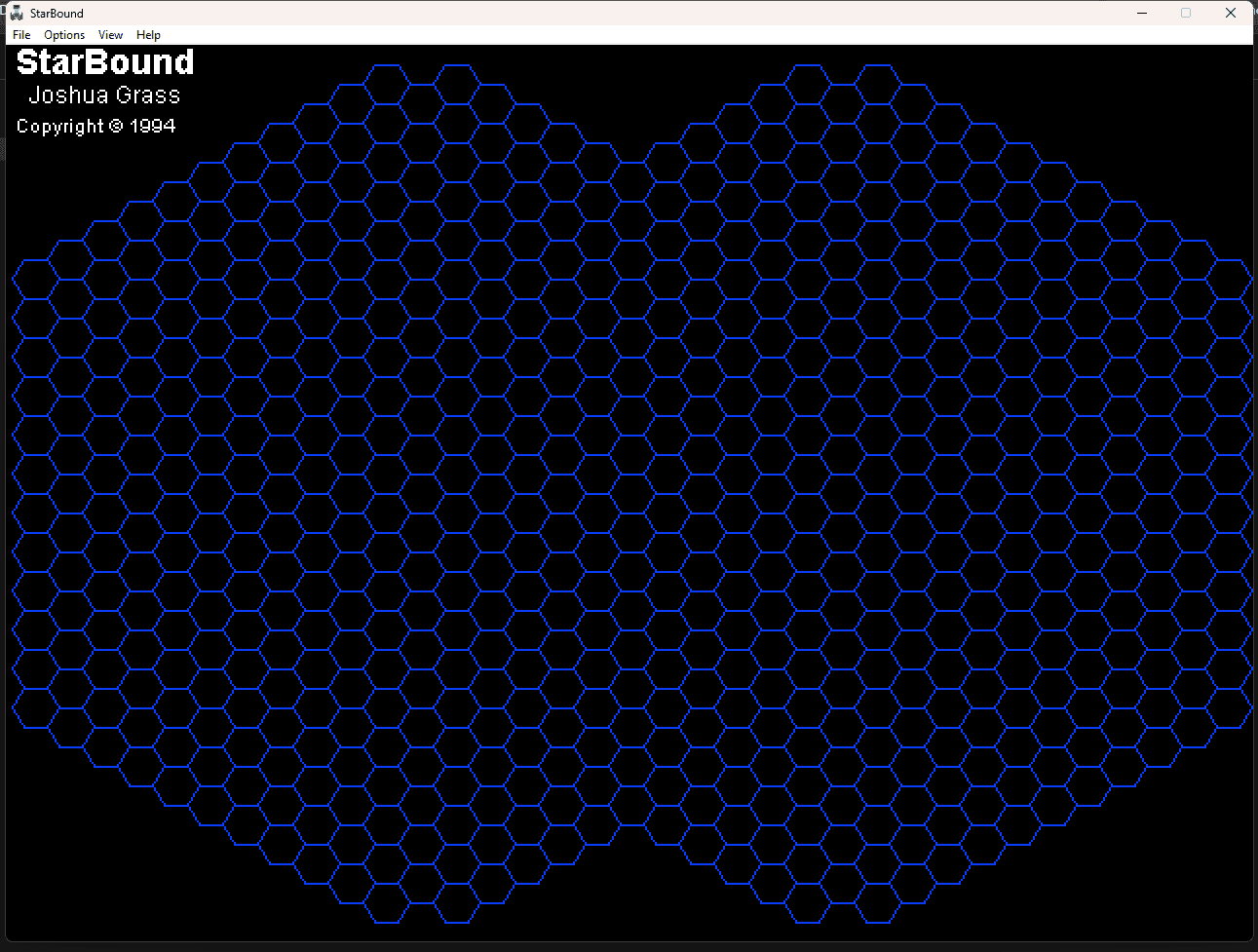
Claude Successufully ported it in two attempts to windows 11
Claude:
StarBound now runs as a native Windows program. Unzip StarBound-Windows.zip and double-click StarBound.exe; nothing needs installing. Windows SmartScreen will probably warn because the program is unsigned: choose “More info”, then “Run anyway”. I tested it under Wine, not on a real Windows 10 machine.
How I ported it: I unpacked the StuffIt archive and Mac disk image and converted all the original pictures, icons, sounds and the in-game manual. I then disassembled the game’s 68k code and rewrote it in C, function by function. The rules, computer AI, combat odds, production, fog of war and random number generator follow the original code exactly, so the game should play like the 1994 version.
What I checked:
- Full games: I played through the main paths: starting a game, building a ship, setting a path, colonizing, ship and planet combat, conquering, victory, saving and loading.
- Simulated games: I ran several hundred automated games against the real game code with memory-error checking on. There were no crashes or hangs, players both won and lost, and saved games reload exactly.
Changes from the original:
- Save As works. In version 1.0 that menu item did nothing.
- At most 100 ships exist at once. The original had no limit and would corrupt its memory past 100.
- Fonts are Windows stand-ins for the Mac fonts. The numbers on the map pieces use a built-in pixel font so they fit inside the hexes.
- Combat and landing animations are redrawn to look like the originals, not copied pixel for pixel.
- The window can be 1x to 4x the original size (View menu). Mac Command shortcuts became Ctrl, and the About and Manual items moved to the Help menu.
Original quirks I kept: I found a few bugs in the original code and left them in because they shape how it plays.
- Tech upgrades cost twice what the manual says.
- The spending bars add up to 76 points, not the manual’s 78.
- A landing ship’s power counts Move twice and Detect not at all.
- The AI has a couple of targeting mistakes that change how computer ships behave.
The read-me in the zip lists these too.
Saved games (.sbg) use the same byte layout as the Mac save files, so an original Mac save should open, though I had none to test with. StarBound-port-source.zip has the C source, a one-command build script, the extraction and disassembly tools, and my reverse-engineering notes, in case you want to change or rebuild anything.