

Hey everyone! Thought I'd unleash something I've been both working on and using for a while! Introducing macintosh.world: a website meant to be an interactive "home" page for your vintage computers that also works just fine on a modern one. This project stemmed from replacing the hard drive on my PowerBook 180 (and later 170) with a wifi-enabled BlueSCSI, there were a few websites available but I still didn't really feel like I was "connected" to the outside world.
Here are a few features! If you want, please try it out and let me know what works/doesn't work/sucks or if there's anything you think would be cool to add! I made this for myself but I would be stoked if others found it useful!
Credentials
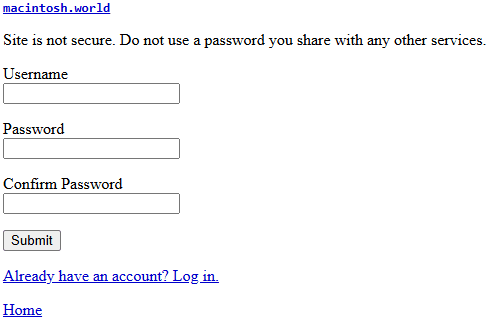
If you want to use some of the interactive features, you can sign up for an account. Note that this isn't a secure website so please don't reuse a password from another service or website. After signing up, you have access to edit your:
Profile
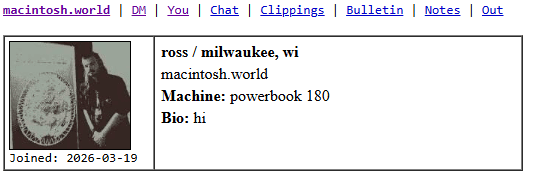
Your profile displays some info about you, images you've uploaded, and bulletins you've posted. If you are logged in as yourself, you can update any of this as well as your password. All of this can be done (and was done in my case) on internet-connected vintage machines. To interact with others, you can:
Chat/Direct Message
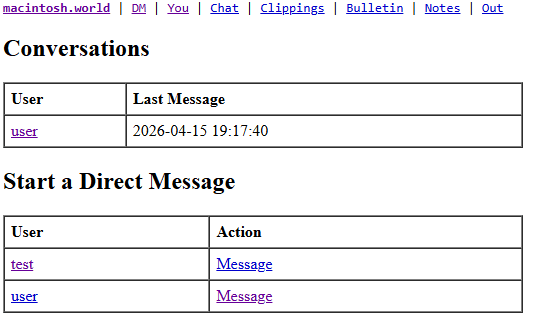
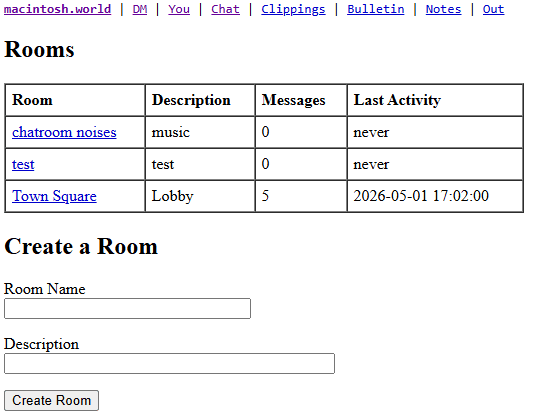
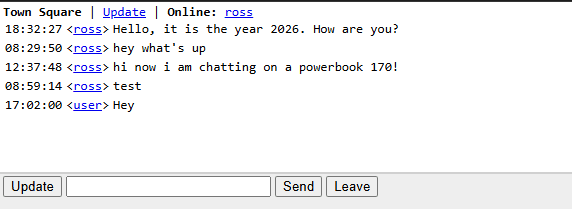
This part is a little wonky and I'm open to any suggestions on how to make it a better experience! Live chat between a PowerBook from 1992 and an iPhone from 2026 is cool (in my opinion)! In an attempt to improve this, I created a:
Client
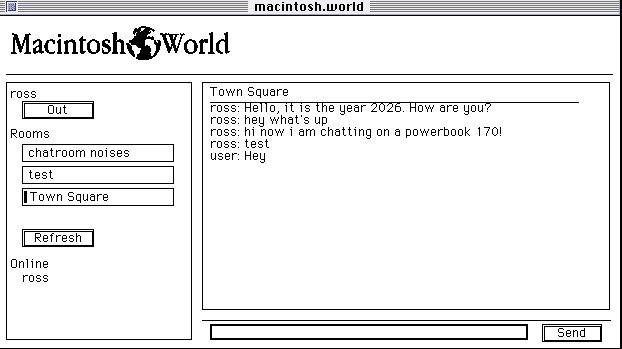
You can download this from the home page. It should download a .sit file that automatically extracts if you have StuffIt. It's compiled in THINK C and I have no idea how this will scale if and when more people use it so let me know what kind of bombs you get! The main benefit is that new messages show up automatically without the need to refresh the page.
Anyway, some more stuff you can do if you have a profile:
Bulletins
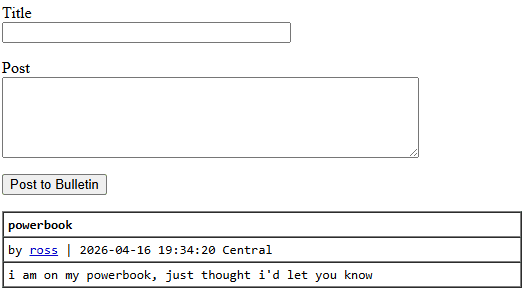
Post a thought or something!
Clippings
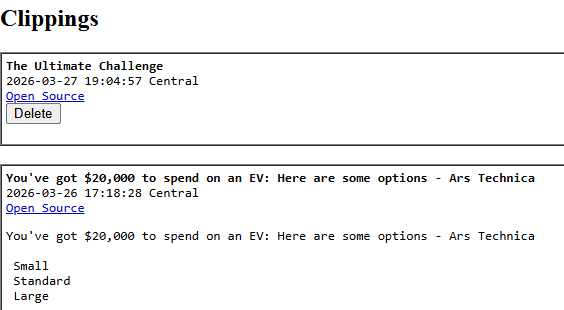
Save something for later so it doesn't get lost in the ether!
Notes
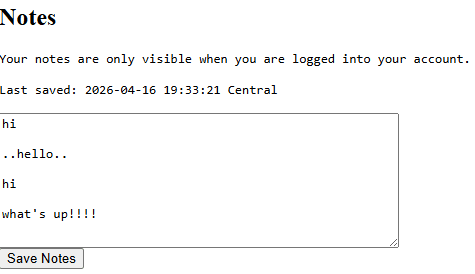
Write a private (or as private as a site designed for the 90s can be) note to yourself!
QuickTake
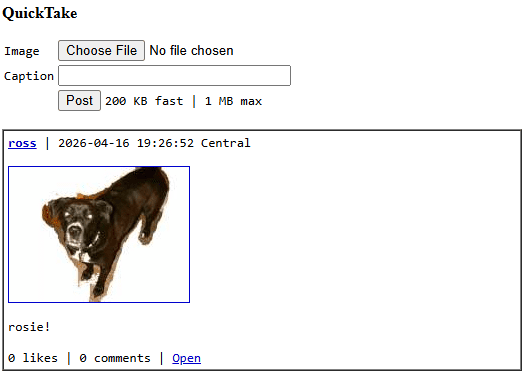
Upload an image and/or like and comment on others! Here's a picture of my dog I took on my QuickTake 150, tried my best to remove the background in PhotoFlash, and uploaded right from my PowerBook 180!
Account-less Features
Today
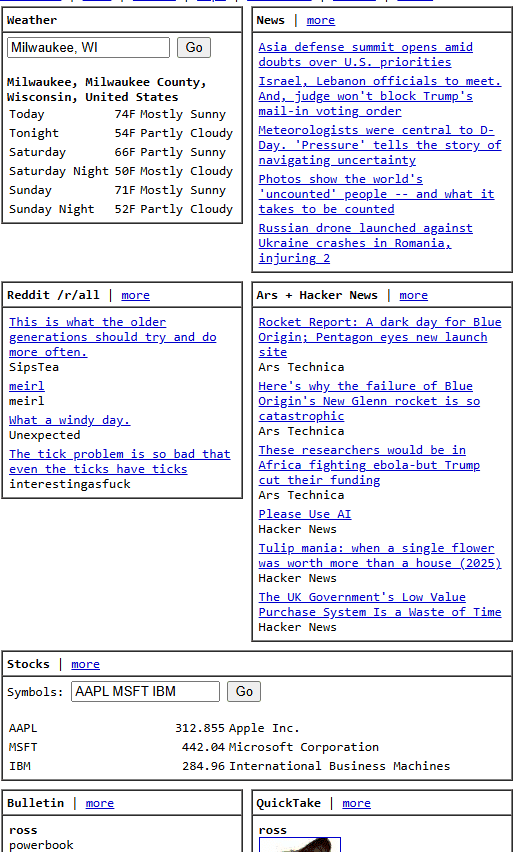
This is meant to be somewhat of a home page, it shows a whole bunch of stuff from around the internet as well as user uploads (Bulletins and QuickTakes). There's a lot going on the background so this is probably the slowest page on the website. The weather is selfishly defaulted to my location but can easily be changed. For more news, there's an entire page dedicated to it (click on the link to the right of "Today").
Books
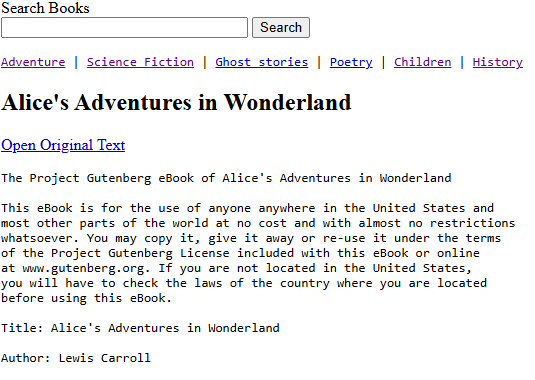
Read an old book! You're at the mercy of Project Gutenberg's service so it may be somewhat slow to load initially.
Recipes
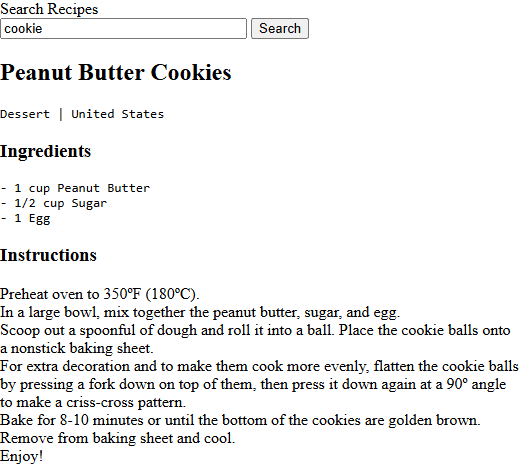
While there are no instructions on baking your tunneled screen, this one actually ended up being more useful than I expected. Recipe websites are notorious for their meandering paragraphs and enough ads to bring my modern computer to its knees. Having something this concise for some of the standards has been nice.
YouTube
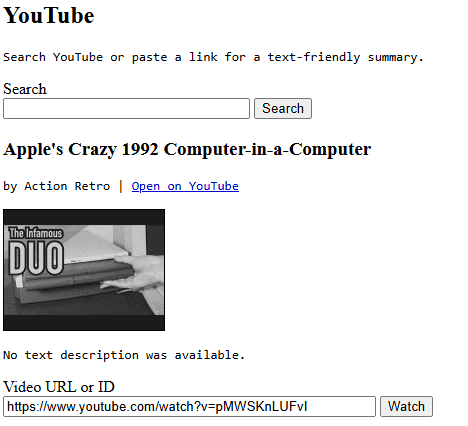
Ok this one was kind of a dud, not sure if there's any more text based stuff I can extract but you can see a thumbnail I guess!
Translate
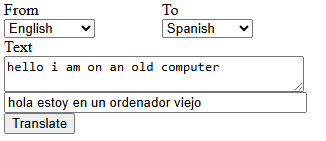
This one needs some work but sometimes provides the right translation!
Wiki
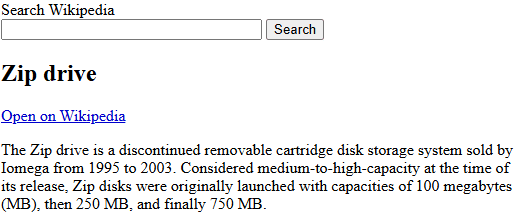
Nothing that other services didn't provide but included to keep everything in one place.
Browse

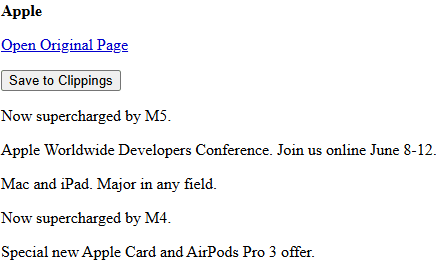
Same with this, but you can save it for later!
Maps
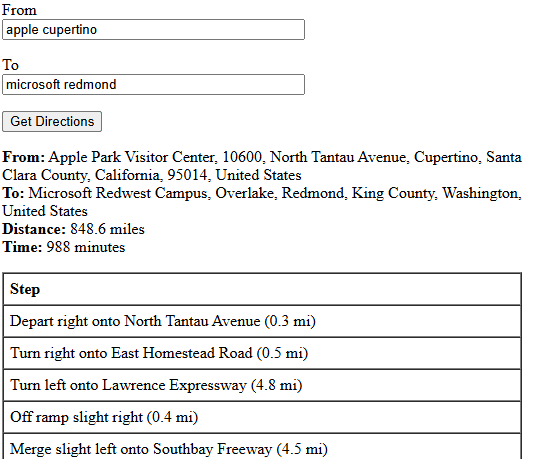
MapQuest is alive and well.
Reference
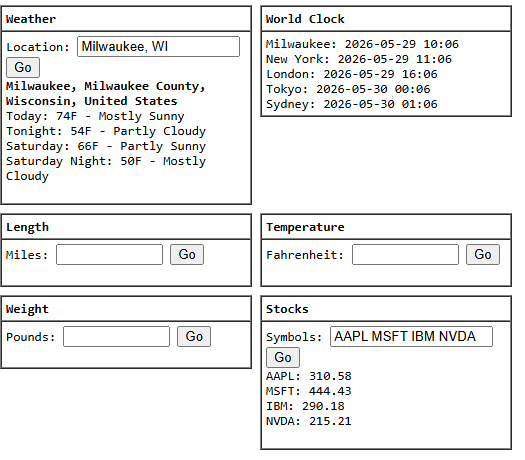
Some more things.
Reddit
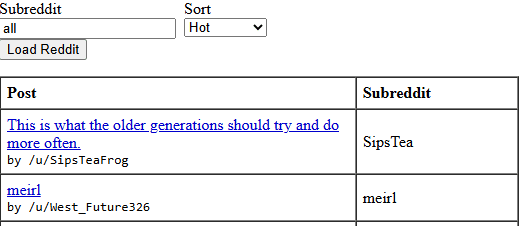
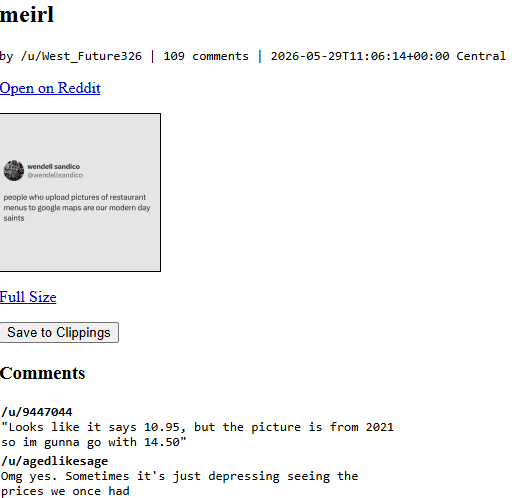
This is probably the section I use the most, it's basically a full read-only Reddit experience. Images are downscaled to load faster on old hardware. You could just go to reddit.macintosh.world to access it directly if you wanted, like with some of the other pages mentioned.
Ok I think that's everything. Like I said, I've been using it pretty heavily on my 170/180 with Netscape. I'd love to hear what machines/browsers you use it on and what works and doesn't! It would be cool if somebody else found this as useful as I have, browsing Reddit on a PowerBook 180 on my couch doesn't get old!
Here are a few features! If you want, please try it out and let me know what works/doesn't work/sucks or if there's anything you think would be cool to add! I made this for myself but I would be stoked if others found it useful!
Credentials
If you want to use some of the interactive features, you can sign up for an account. Note that this isn't a secure website so please don't reuse a password from another service or website. After signing up, you have access to edit your:
Profile
Your profile displays some info about you, images you've uploaded, and bulletins you've posted. If you are logged in as yourself, you can update any of this as well as your password. All of this can be done (and was done in my case) on internet-connected vintage machines. To interact with others, you can:
Chat/Direct Message
This part is a little wonky and I'm open to any suggestions on how to make it a better experience! Live chat between a PowerBook from 1992 and an iPhone from 2026 is cool (in my opinion)! In an attempt to improve this, I created a:
Client
You can download this from the home page. It should download a .sit file that automatically extracts if you have StuffIt. It's compiled in THINK C and I have no idea how this will scale if and when more people use it so let me know what kind of bombs you get! The main benefit is that new messages show up automatically without the need to refresh the page.
Anyway, some more stuff you can do if you have a profile:
Bulletins
Post a thought or something!
Clippings
Save something for later so it doesn't get lost in the ether!
Notes
Write a private (or as private as a site designed for the 90s can be) note to yourself!
QuickTake
Upload an image and/or like and comment on others! Here's a picture of my dog I took on my QuickTake 150, tried my best to remove the background in PhotoFlash, and uploaded right from my PowerBook 180!
Account-less Features
Today
This is meant to be somewhat of a home page, it shows a whole bunch of stuff from around the internet as well as user uploads (Bulletins and QuickTakes). There's a lot going on the background so this is probably the slowest page on the website. The weather is selfishly defaulted to my location but can easily be changed. For more news, there's an entire page dedicated to it (click on the link to the right of "Today").
Books
Read an old book! You're at the mercy of Project Gutenberg's service so it may be somewhat slow to load initially.
Recipes
While there are no instructions on baking your tunneled screen, this one actually ended up being more useful than I expected. Recipe websites are notorious for their meandering paragraphs and enough ads to bring my modern computer to its knees. Having something this concise for some of the standards has been nice.
YouTube
Ok this one was kind of a dud, not sure if there's any more text based stuff I can extract but you can see a thumbnail I guess!
Translate
This one needs some work but sometimes provides the right translation!
Wiki
Nothing that other services didn't provide but included to keep everything in one place.
Browse
Same with this, but you can save it for later!
Maps
MapQuest is alive and well.
Reference
Some more things.
This is probably the section I use the most, it's basically a full read-only Reddit experience. Images are downscaled to load faster on old hardware. You could just go to reddit.macintosh.world to access it directly if you wanted, like with some of the other pages mentioned.
Ok I think that's everything. Like I said, I've been using it pretty heavily on my 170/180 with Netscape. I'd love to hear what machines/browsers you use it on and what works and doesn't! It would be cool if somebody else found this as useful as I have, browsing Reddit on a PowerBook 180 on my couch doesn't get old!