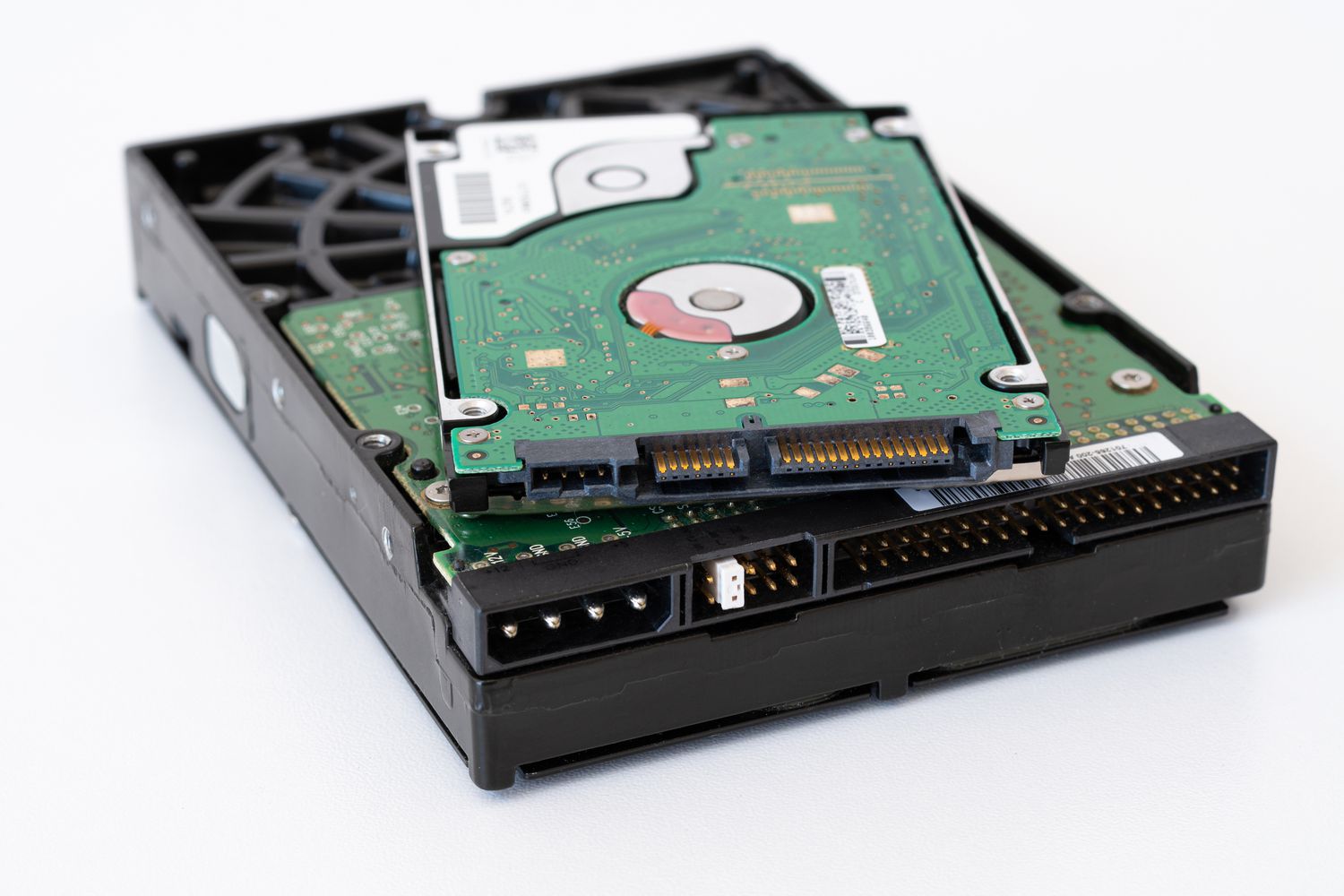
DiskClick! Emulate Old Hard Drive Sounds using your own Real life C drive.

Deervo

New Tinkerer
Feb 13, 2024
10
7
3
Hello Everyone i wanted to showcase a little project i have been working on. I call it DiskClick This is a program made in python that emulates hard drives sound using your C Drive Activity. This is very useful if you have only SSD'S in your computer or just want to hear old hard drives correlated with what your doing. This is actually pretty much the same idea as the popular HDD clicker by Serdashop but in a software form factor. It uses 2 wav samples which you can change in the program by loading a folder with 2 wavs in it. looping and load. The looping is basically just more of a idle and load is the drive actually reading and writing data. Included are some Hard drives i sampled from various videos and my own there not perfect i am not a sound designer but i think there good enough. This app is a proof of concept right now and a little rough around the edges but i think it works well enough to showcase.

Please Do make your own samples and share them in this thread.


You will need a full install of python and PyGame and PSutil


Download link:https://devodev.itch.io/diskclick

and a showcase video:
 

Deervo

New Tinkerer
Feb 13, 2024
10
7
3
Updated to V.0.0.3
Changelog:
1.Made the program more sensitive to drive activity
2.New Samples Primarily 90's Hard drives
3.Added A toggle For drive ambiance for those that just want the clicks and none of the constant noise.(Note there is a bug where every time you load a new sample both sounds will play in full once its done just click drive ambiance on and off and it will work)
4. Made the UI app a little more compact and added a toggle Window for debugging.
 

Deervo

New Tinkerer
Feb 13, 2024
10
7
3
V0.0.35 Changelog
1.Added a button to load the default HDD
2.Added a Plethora of New 90s hard drives and redid the Seagate ST-225 And Miniscribe 3245 and added a few samples in the others folder
3.Added a brief fade in and out for the sounds to not be as harsh
 

Deervo

New Tinkerer
Feb 13, 2024
10
7
3
0.0.4 Changelog
1.Drive selection will save upon exit so you don't have to hunt for it the next time you run the app
2.Added a Icon to the app
 

Deervo

New Tinkerer
Feb 13, 2024
10
7
3
V0.0.5 Changelog
1.Volume Saving(Still Somwhat Buggy)
2. The Most requested feature by far. Mutiple sound samples. Now the app can load a infinite number of load samples to make it more varied and less repetitive.
3.Added at least 1 more load sample to the already present drives showcase this.
 

Deervo

New Tinkerer
Feb 13, 2024
10
7
3
0.0.65 Changelog
1.Volume should save now
2.Fixed the bug where the app would sometimes run in the background despite closing it
3.A couple new 80s Hard drive samples
4.Very Early WIP Introduction of bad sectors{very wip and just uses stutter sounds currently}
 

Deervo

New Tinkerer
Feb 13, 2024
10
7
3
0.0.8 Changelog
1.Introduction of theme support
2.Full Systray function
3.Refreshed the 2020 Toshiba HDD
 
  • Like
Reactions: splorp

Deervo

New Tinkerer
Feb 13, 2024
10
7
3
0.09 Changelog

Changelog

1.EXE Support

2.Renamed default button Reset and this will reset the whole program.

3.2 New hard drives 1997 Quantum Pioneer and a 1995 Samsung PLS

4.A couple more themes.

5.All aspects of the program that save are now all in one json file rather then mutiple txt files.

FYI make sure when you run the program for the first time select a drive quit the program fully and reopen it for the disk activity to work this is a issue ive been looking into and have not found a resolution
 

Deervo

New Tinkerer
Feb 13, 2024
10
7
3
Hello all its been a little while here is another update.

Addition of the following drives

Miniscribe 8450

Daeyoung DX-3120A

Seagate ST-157N

Rodime RO352

Lexikon HD352

Micropolis Mustang 4540A

Goldstar CD ROM

2.Changed some of the naming schemes for better context

3.buttons in the theme/options window now theme.
4.These are placeholder items for now but also in the options menu is a checkmark for a start on startup and a drive selection dropdown these do not work yet.

5. Experimental feature where you can randomize the hard drive which will pick a random ambiance and load so it can mix and match drives.
 
  • Like
Reactions: eric