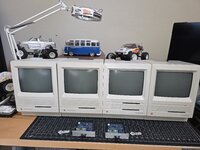
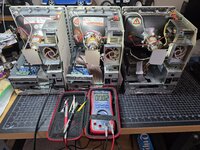
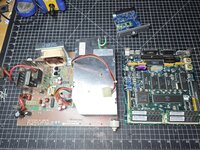
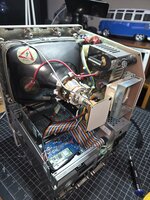
I have no other Mac's, except (2) SE's that were given to me, and (2) SE/30's that I bought and repaired. Was a Commodore and Windows kid from long ago, so Mac is new to me.
I was able to build the OS's with BlueSCSI - 7.5.5 for the SE/30's, and 7.0.1 for the SE's - thanks to this excellent video:
I now have (4) BlueSCSI v2 desktop's and want to fill each of the OS's with games and apps, but am having trouble copying over the .SIT files from Macintosh Garden.
I was hoping to use the BlueSCSI Toolbox and Basilisk II to drag and drop the .SIT files, but I keep getting an error when I drag the .SIT files in to the emulator. I do have Stuff it Expander installed on the emulator and Mac's.
What's the best way to copy over a lot of these games and apps, with the intention of making them available on (4) BlueSCSI SD cards for the Mac's, if I only have Windows and Basilisk II?
Thanks!
I was able to build the OS's with BlueSCSI - 7.5.5 for the SE/30's, and 7.0.1 for the SE's - thanks to this excellent video:
I now have (4) BlueSCSI v2 desktop's and want to fill each of the OS's with games and apps, but am having trouble copying over the .SIT files from Macintosh Garden.
I was hoping to use the BlueSCSI Toolbox and Basilisk II to drag and drop the .SIT files, but I keep getting an error when I drag the .SIT files in to the emulator. I do have Stuff it Expander installed on the emulator and Mac's.
What's the best way to copy over a lot of these games and apps, with the intention of making them available on (4) BlueSCSI SD cards for the Mac's, if I only have Windows and Basilisk II?
Thanks!