Hacking the Kodak Reels 8mm Film Digitizer (New Thread)

elling

New Tinkerer
May 6, 2026
2
2
3
I'm back!
melw, your type-D firmware from #695 is running well on our H2825.

A few things for anyone else doing this with an H2825:
  • Standard install worked first try! (FAT32 with FWDV280.BIN in the root, with an empty NVTDELFW folder for good luck)
  • The 32 GB limit: For the first run I tried a 128 GB Lexar V30 and it stalled within a few minutes every time (CARD STALLED / AUTO-STOPPED / FILE SAVED) but everything was saved automatically and the same reel on a 32 GB card ran fine.
  • Film jammed partway through one reel, so auto-stop was triggered and saved the file
After comparing earlier scan, I'm very happy with this! There's noticeably better tonal range, and it's less mushy for sure.

No freezing so far and I've done a reel and a half. Thank you Hook Line and Tinker and melw!!

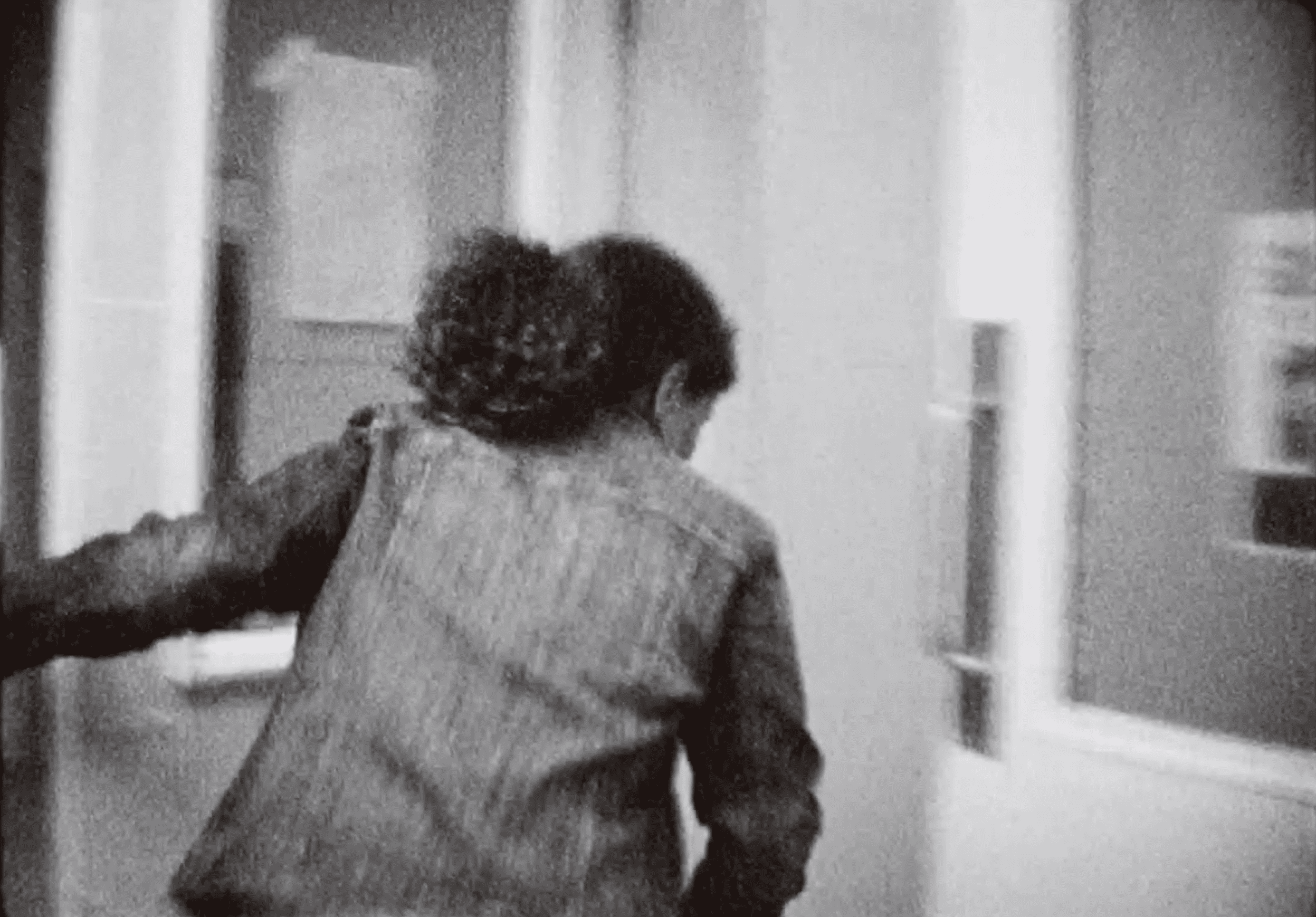
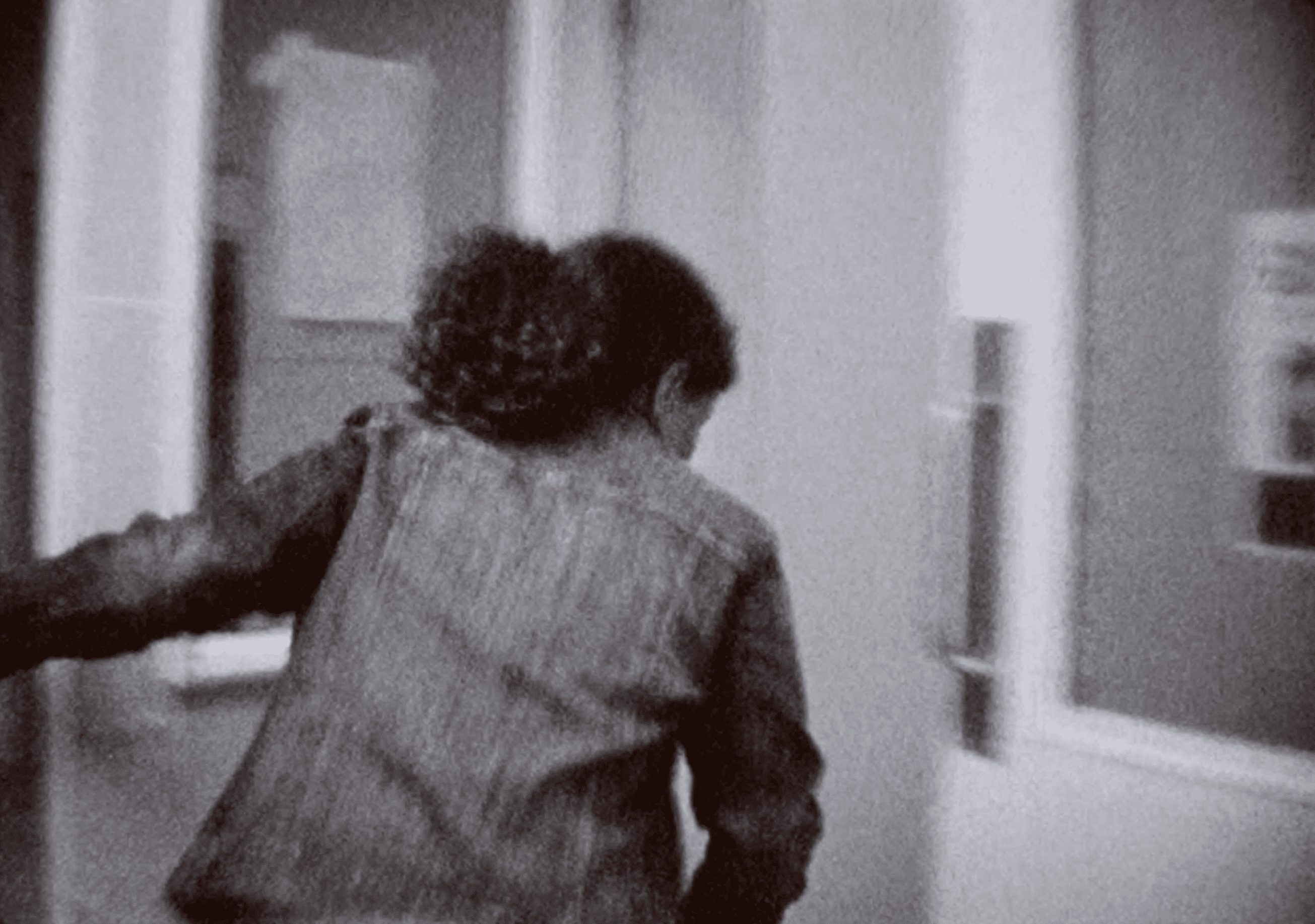
A still from a dark Kodak Tri-X B&W scan:

BEFORE (I believe this was set to -1.0 exposure, -2.0 sharpness, not sure of the tint, it seems to be reduced. If you've adjusted your image settings, I recommend before updating your firmware making a note of what they were):
D-pre-firmware-update.png

D-pre-firmware-update2.png


AFTER (-0.5 exposure, -2.0 sharpness, 0 tint):
D-post-firmware-update.png

D-post-firmware-update2.png
 
Last edited:

JohnCT

New Tinkerer
Sep 8, 2026
4
1
3
Glad it helped and hope your unit works when you get the socket in.

"proven safe" --- Read the disclaimer in the first post and decide if you want to take the risk. Many have, including myself, and are happy with the results. If you're uncomfortable updating the firmware, some have gone ahead and archived their collection with stock firmware before experimenting with the modifications. You took the risk on the damaged unit, why not go ahead and try the enhanced firmware?

I think the 4th and 5th digit of the serial number seems to loosely follow the year of manufacture so I would say yours is a more recent unit.

Looking forward to hearing about your results and if you run into trouble, someone here will probably be able to help.

Well, I think I reached the end of the road.. :(

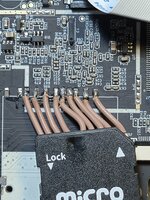
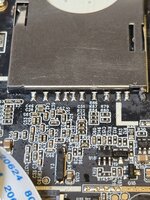
I removed the hacked-in micro reader thingy and installed a new SD socket onto the main board, then installed a new SD card. The unit powered up, and this time it went to the scan screen when I pushed the OK button and it didn't ask for the card like last time.. But, then it again asked for the card. With it running (I know), I fiddled with the SD card and found that the new socket is, I believe, defective. The card won't lock into the socket - the spring inside pushes the card back out. There is no flux inside the socket as I'm very experienced with that type of repair.

But while I fiddled with the SD card and tried to get it to lock, the Kodak shut off. I pushed the power button and no white power LED. I unplugged it for half an hour and still nothing. I disassembled and reseated all the ribbons (they are in good shape as are the ribbon sockets), but still nothing. I get 12V on the input board and 3.3VDC on the main board. I get 3.3 on the keyboard, but I don't see any SDA info on the keyboard. Under a microscope, I don't see any fuses. The board stays "cold" when power is applied.

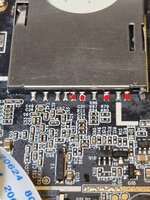
There are four pins on the SC socket reading at ground potential, which seems like two or three too many. I'll check the pinout if I can find one on line and see if that's correct, and if not, see if removing the socket will clear the shorts to ground.

But if not, it was cheap and worth the shot. When I eventually get another one I'll have a parts machine.

Thanks for the
kodak2.jpg
kodak1.jpg
help and advice!

John
 
Last edited: